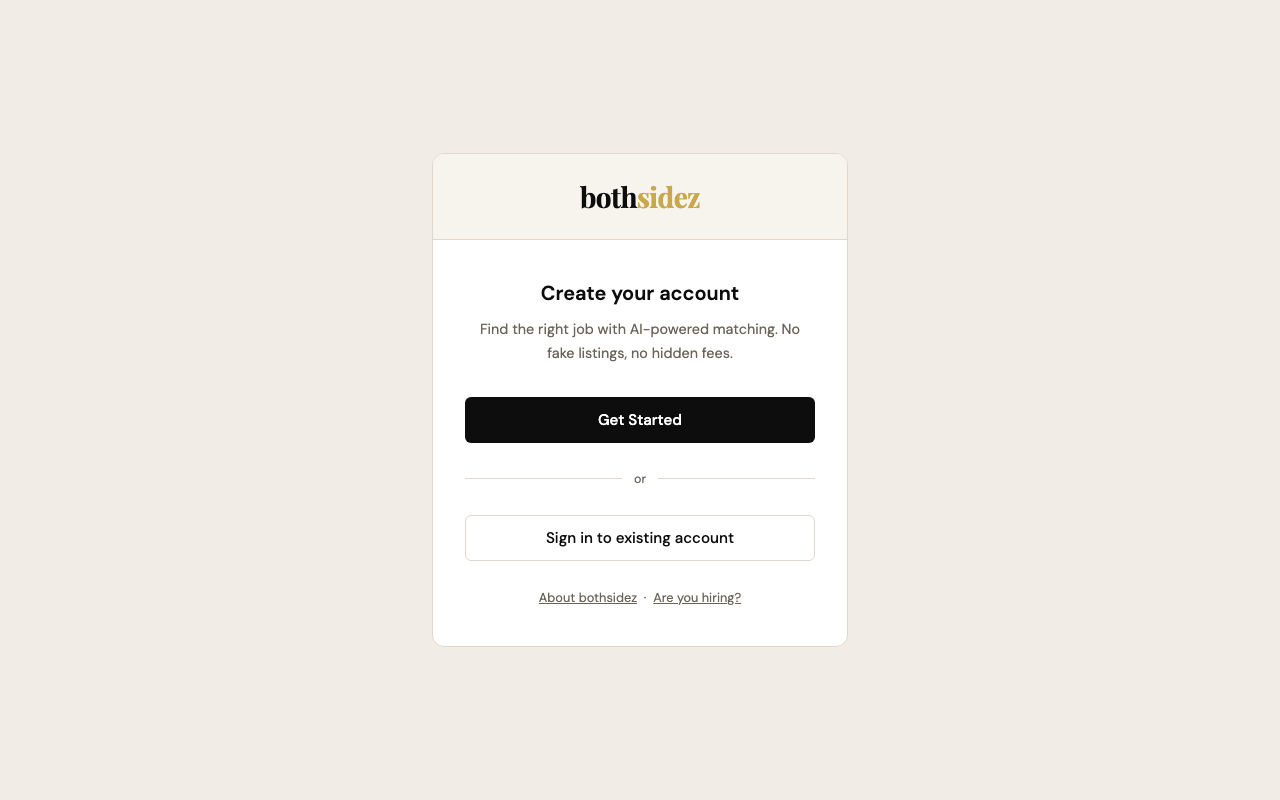
Click Get Started and choose "I'm a job seeker." Enter your name, email, and a password. You're in — no credit card, no lengthy forms.
Select "I'm hiring" and enter your company name, work email, and password. Your account is created as the company owner with full access to post jobs and manage your team.
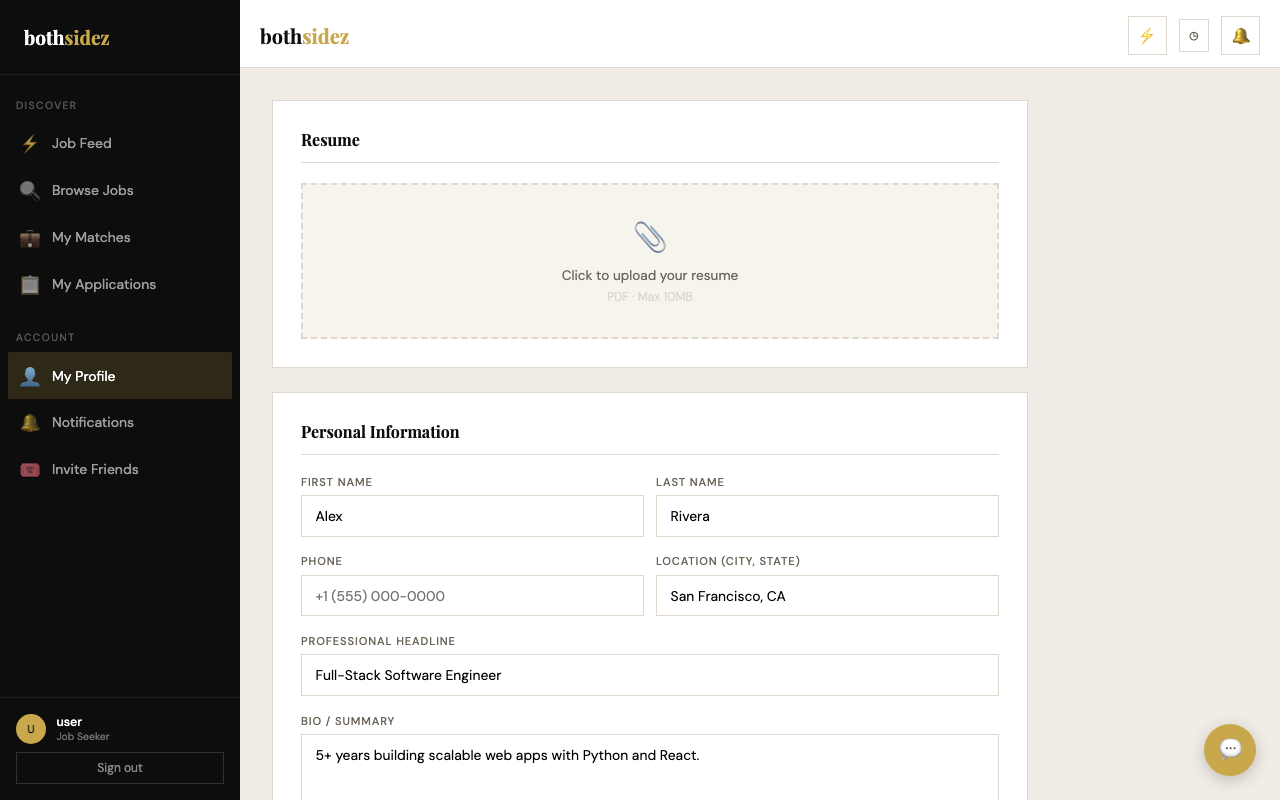
Upload your résumé (PDF) and our AI extracts your work history, education, and skills automatically. Set your job preferences — remote, salary range, job type — so your feed is tailored from day one.
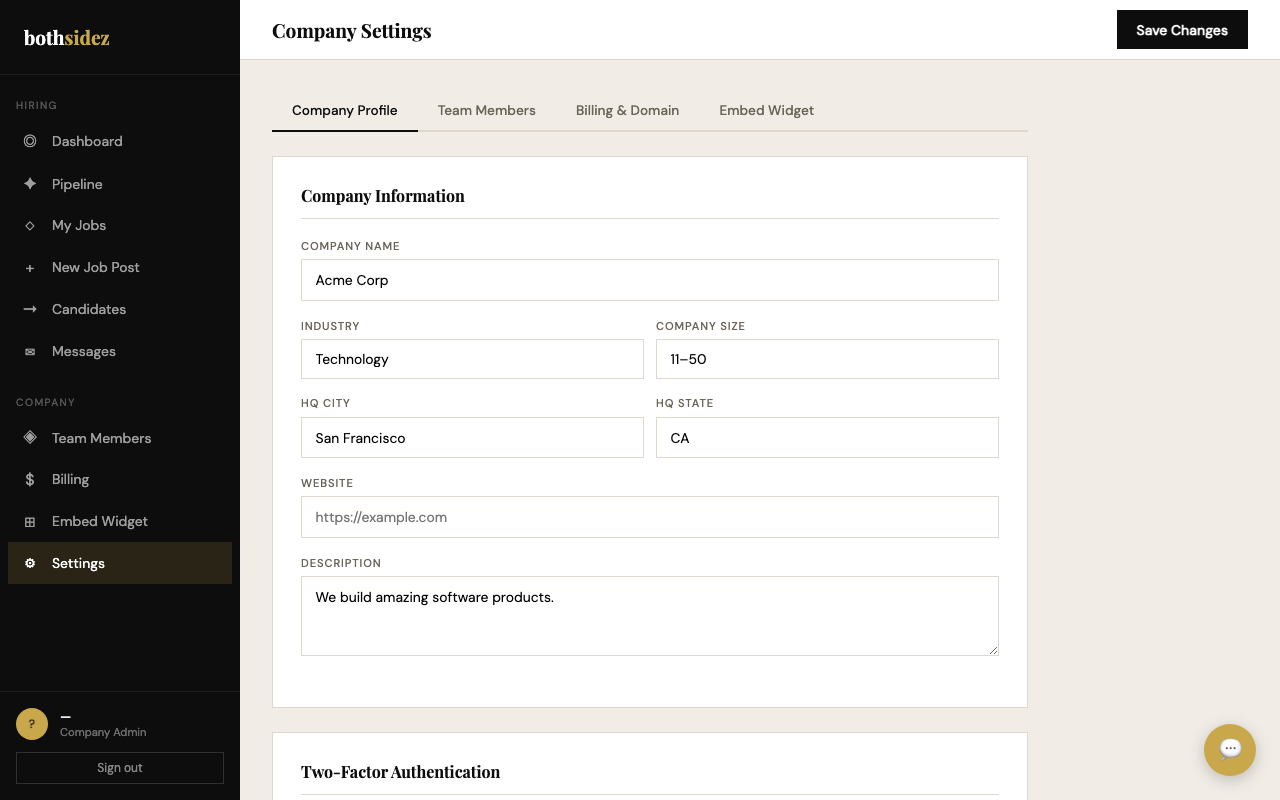
Add your company description, industry, location, and size. Invite teammates — recruiters, interviewers, or reviewers — each with the right permission level. Candidates see this profile before they apply.
While hirers are posting jobs, seekers can finish their profile and explore their feed — new listings appear automatically as they're approved by the platform.
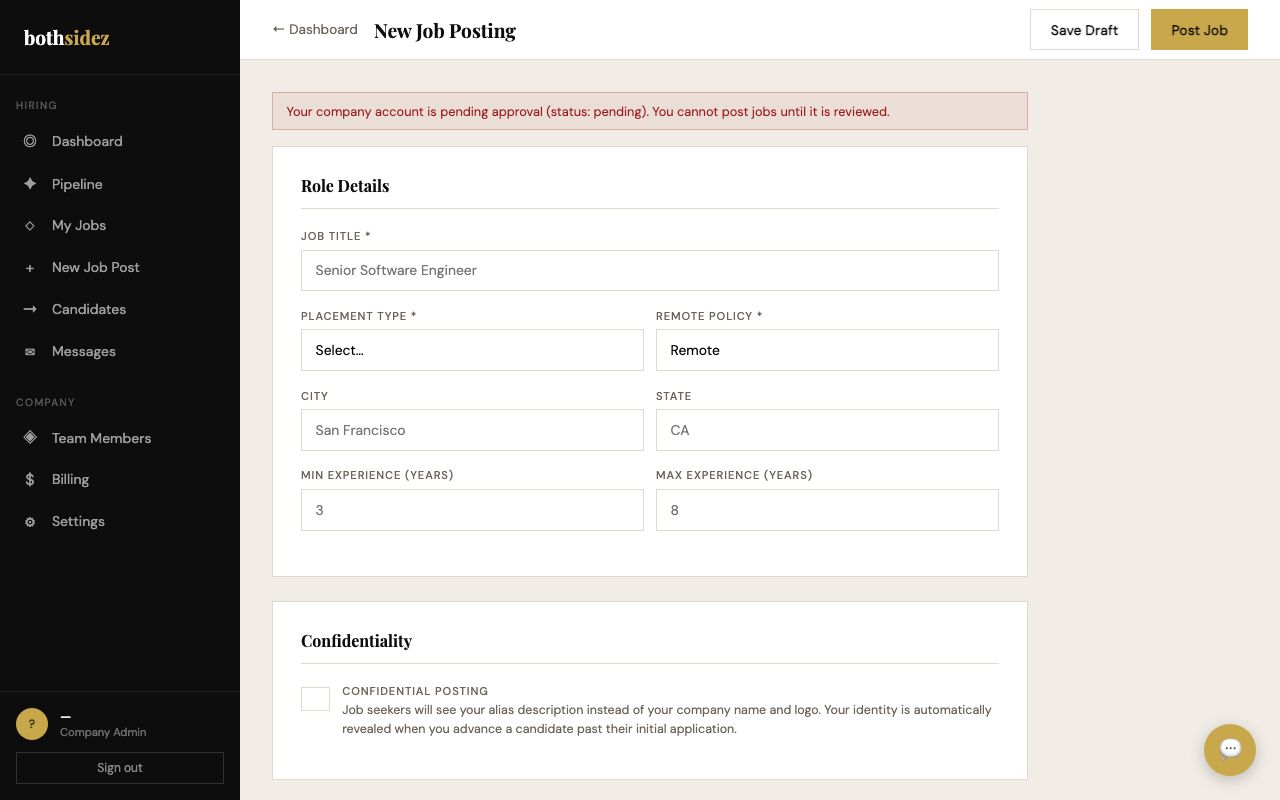
Write a job title and description, add required and preferred skills, set salary range, remote policy, and location. Submit for review — your listing is live within one business day once approved.
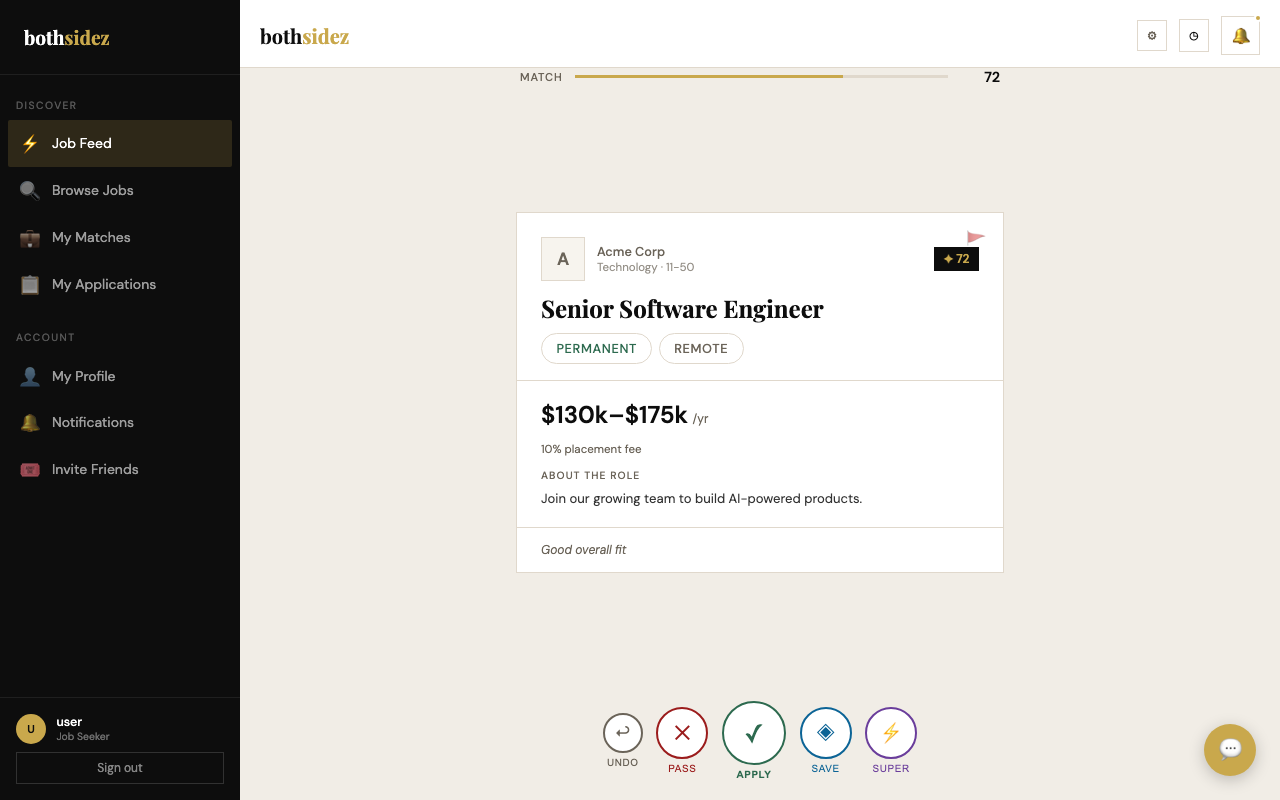
Each card shows a match score (0–100) and color-coded skills — green means you have it, red means it's a gap. Tap Apply to send your application, Save to bookmark, or Pass (your reason is shared anonymously to help companies improve their listings).
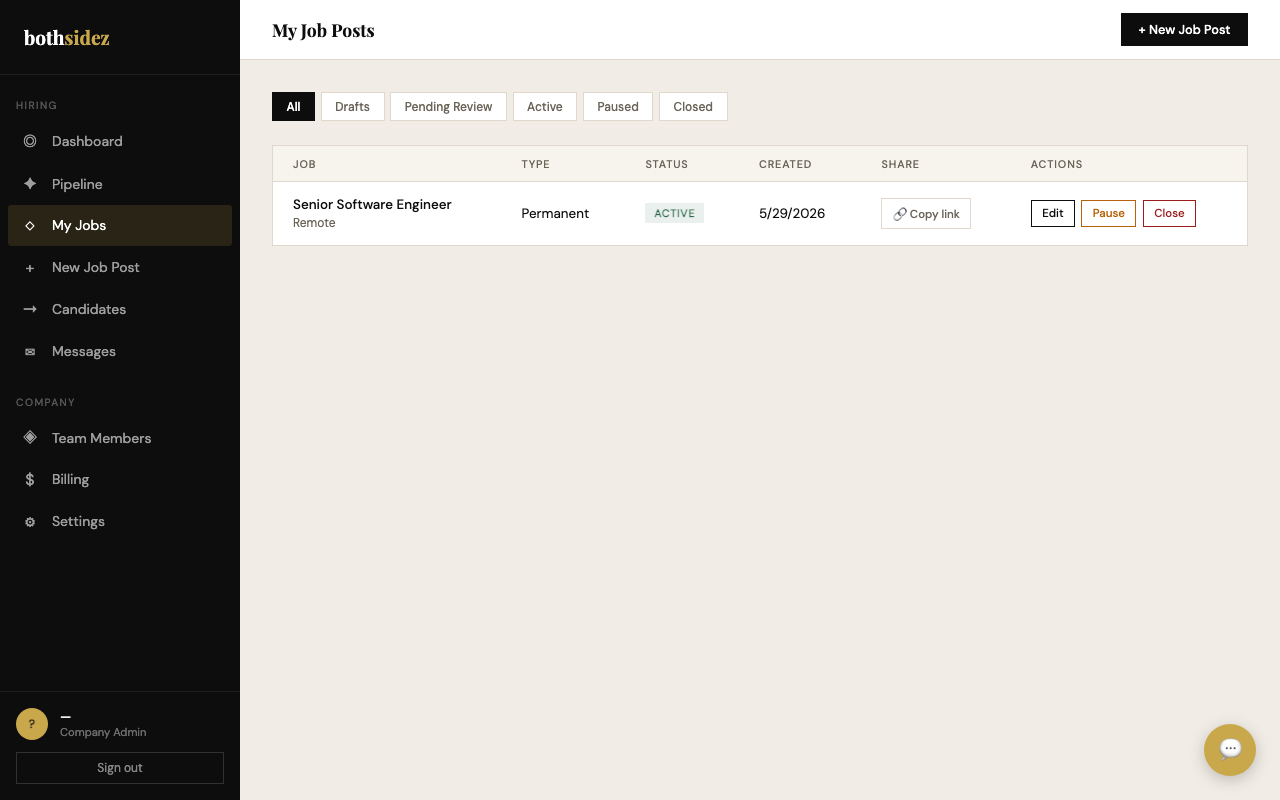
Your approved job appears in the feeds of matched candidates. The My Jobs page shows status, applicant count, and quick actions — pause, edit, or close any listing at any time.
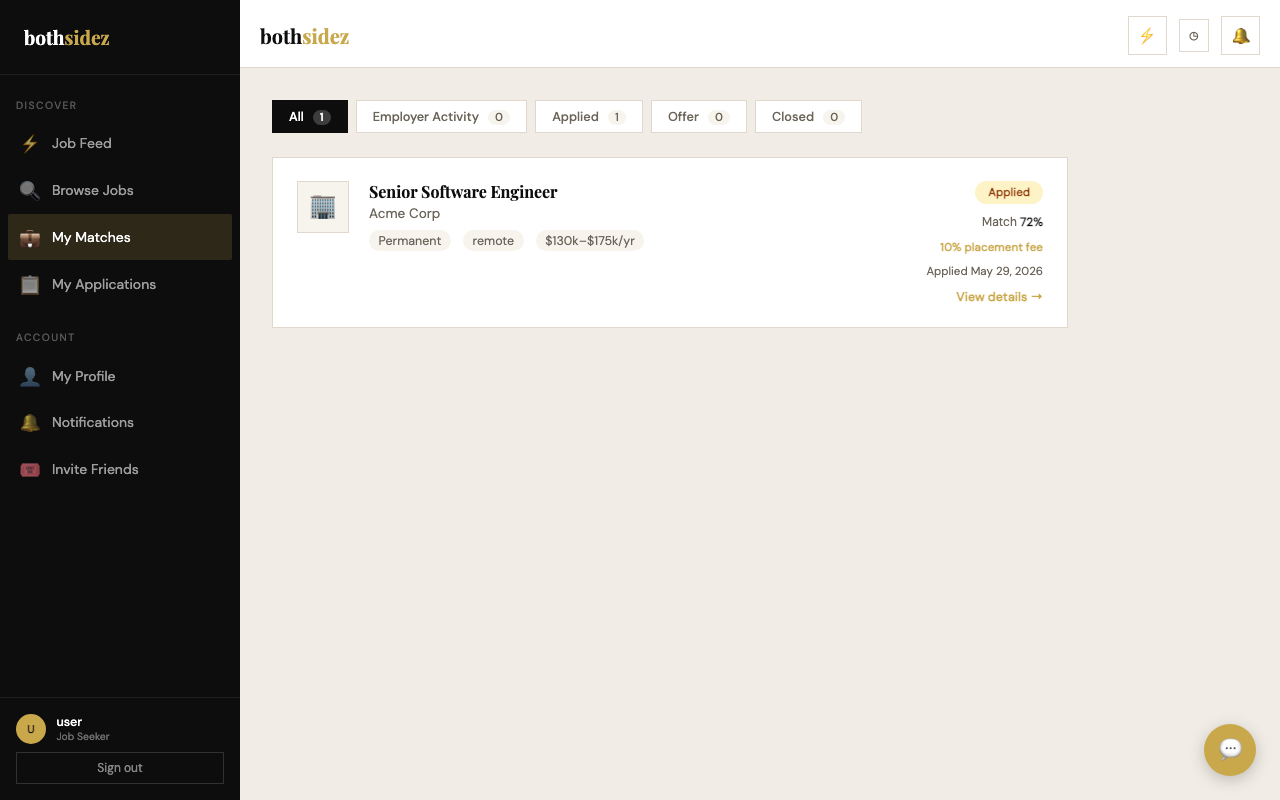
The My Applications dashboard shows every role you've applied to, each with a current stage badge (Applied → Screening → Interview → Offer). You'll receive email notifications whenever the status changes.
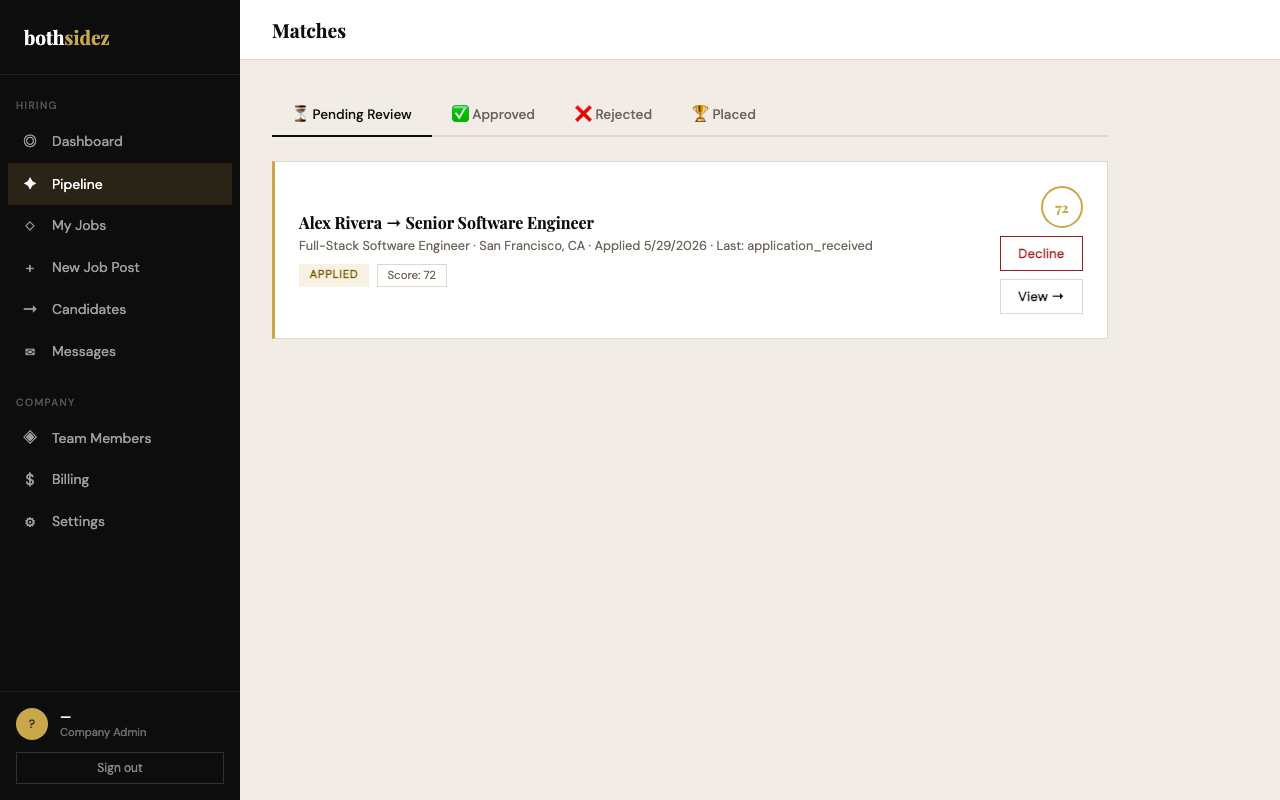
Each incoming application appears in your Candidates pipeline with a match score, skills breakdown, and SHAP-explained score breakdown. Review the résumé and advance strong candidates with one click.
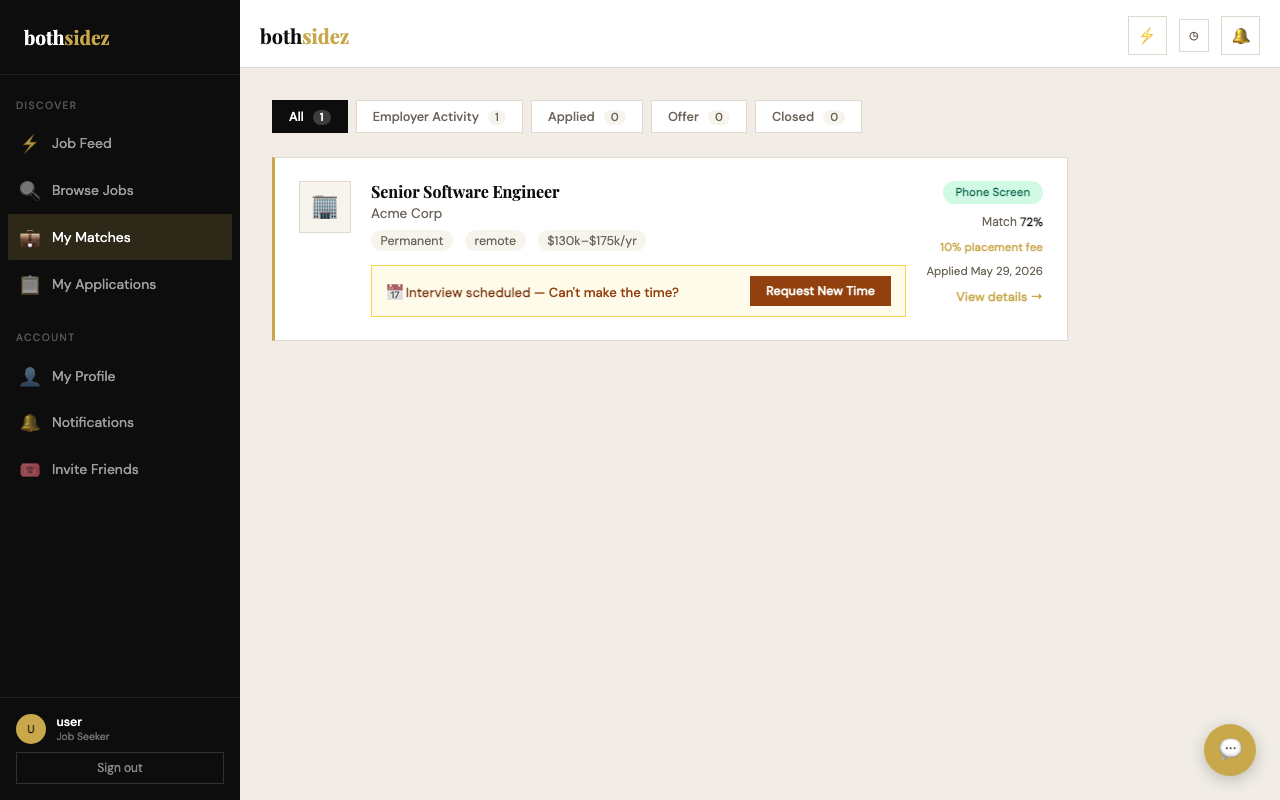
When a company advances your application, you'll see the updated stage badge and receive an email with details — call time, interviewer, or any prep materials they've included. You can reschedule directly from this page.
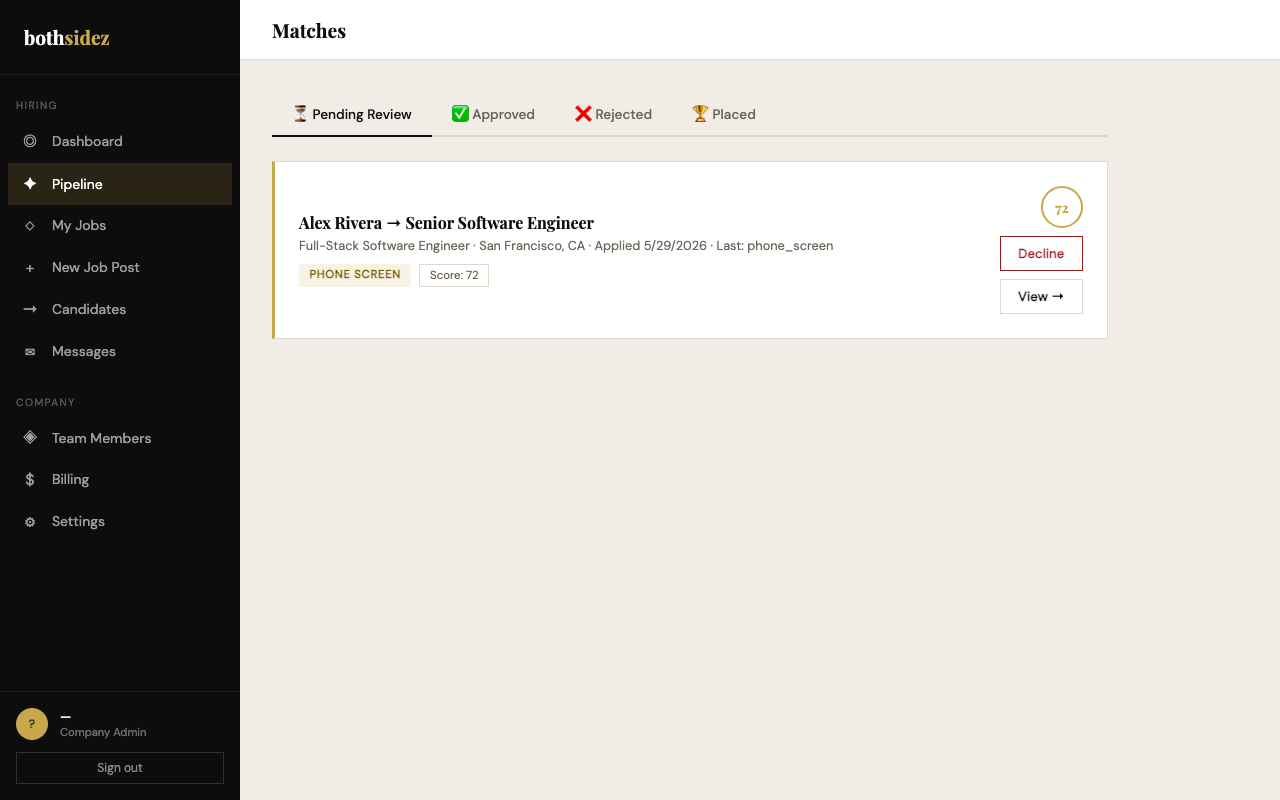
Advance candidates through Phone Screen → Technical Screen → Interview Scheduled → Interview Completed. At any point you can put a candidate on hold or reject with a private note. Your entire team can add interviewer feedback directly to the pipeline.
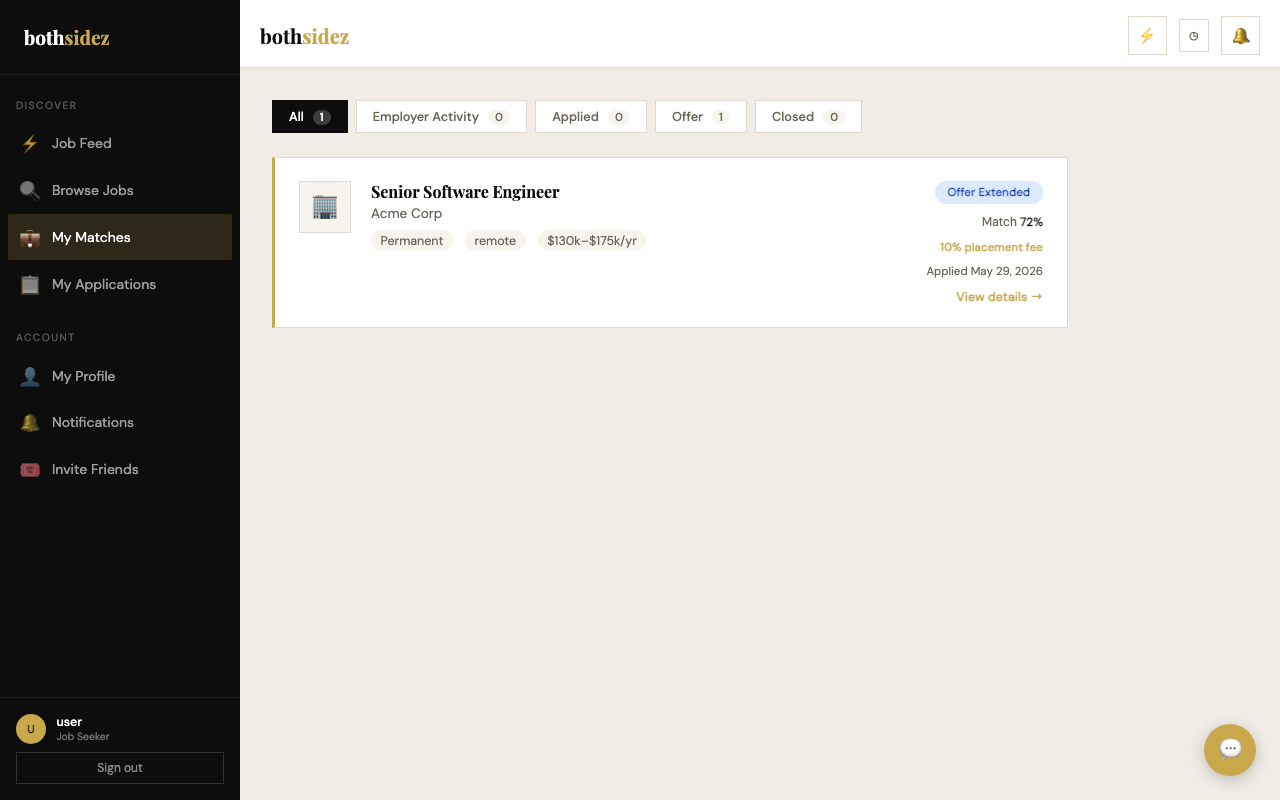
You'll receive an email and an in-app notification when an offer arrives. Review the salary, start date, and any notes from the hiring manager. Accept, decline, or ask to negotiate — the company is notified immediately either way.
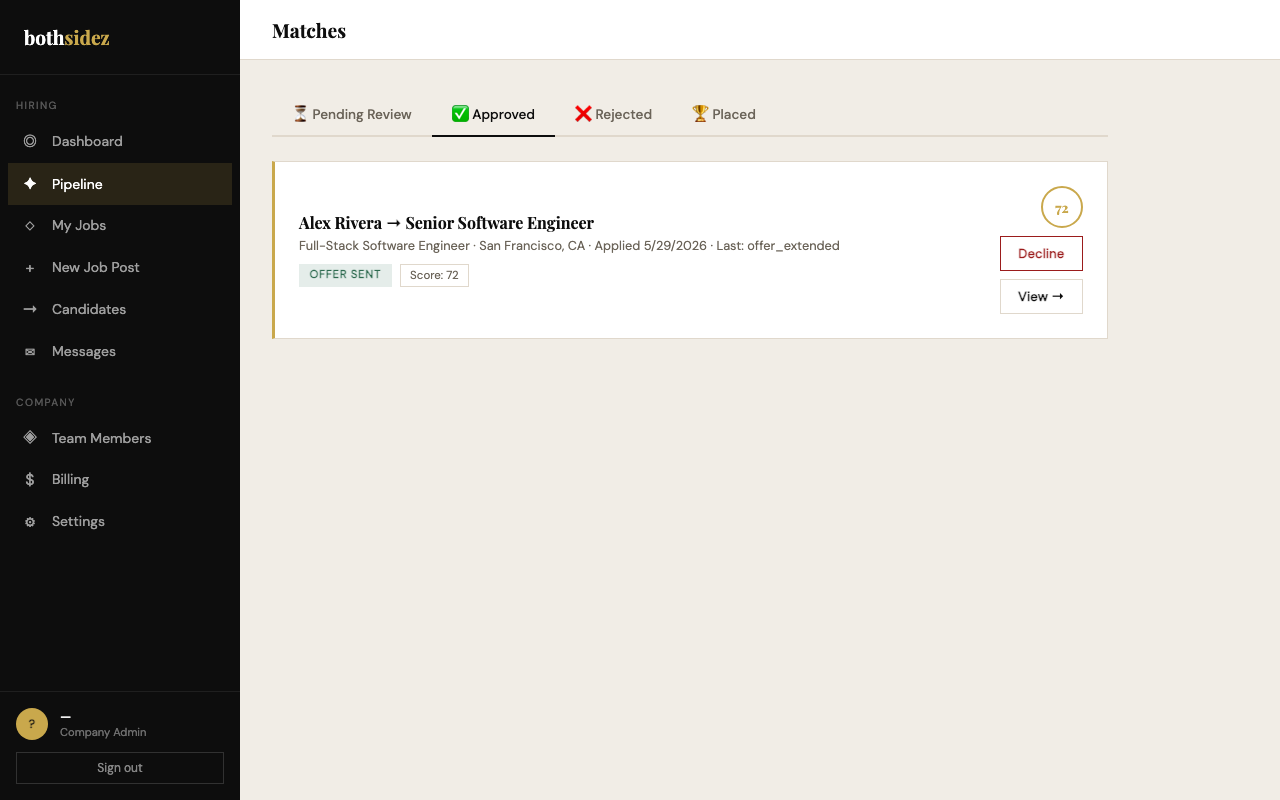
Enter the salary, start date, and offer expiry window (default 5 days). Once submitted, bothsidez tracks the offer status for you — the candidate's response arrives as a notification the moment they decide.
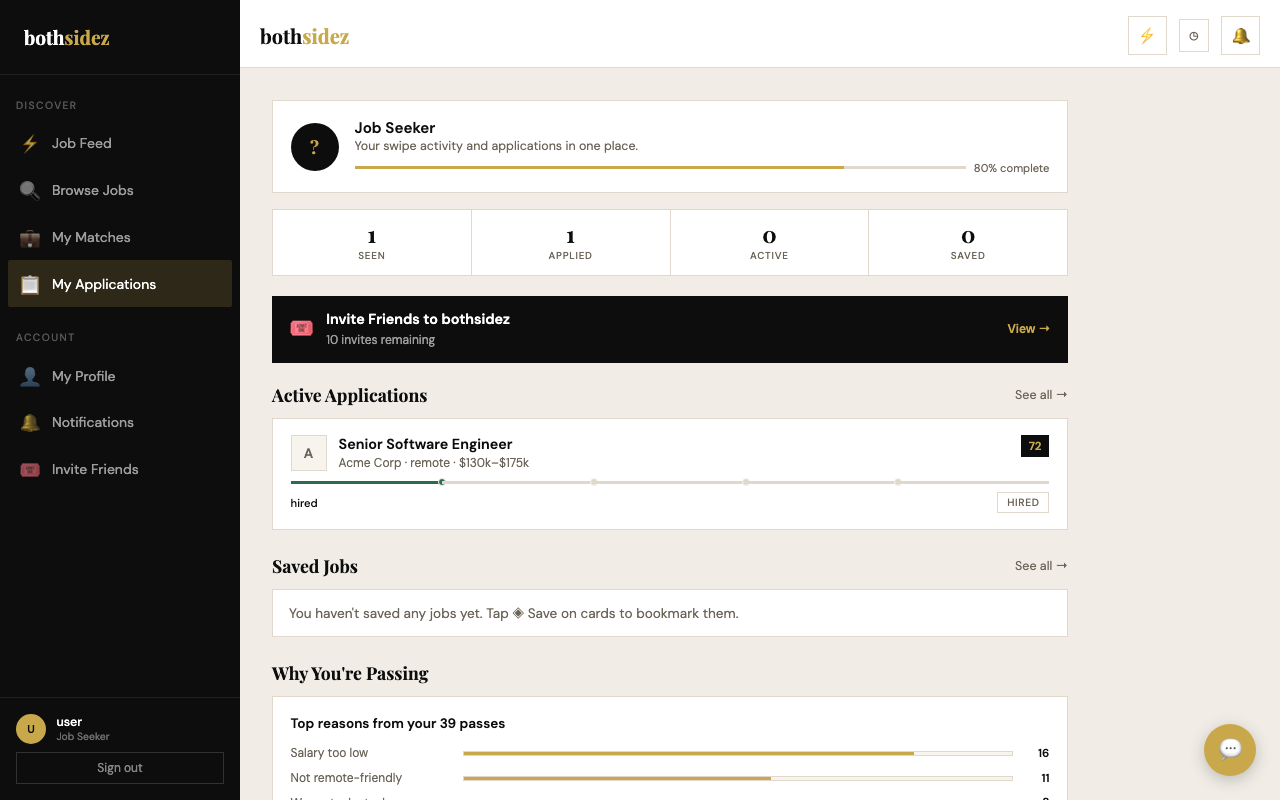
Your dashboard marks the role as Hired. You'll receive a confirmation email with start details. If it's a contract role, you'll also gain access to timesheet submission directly from your dashboard.
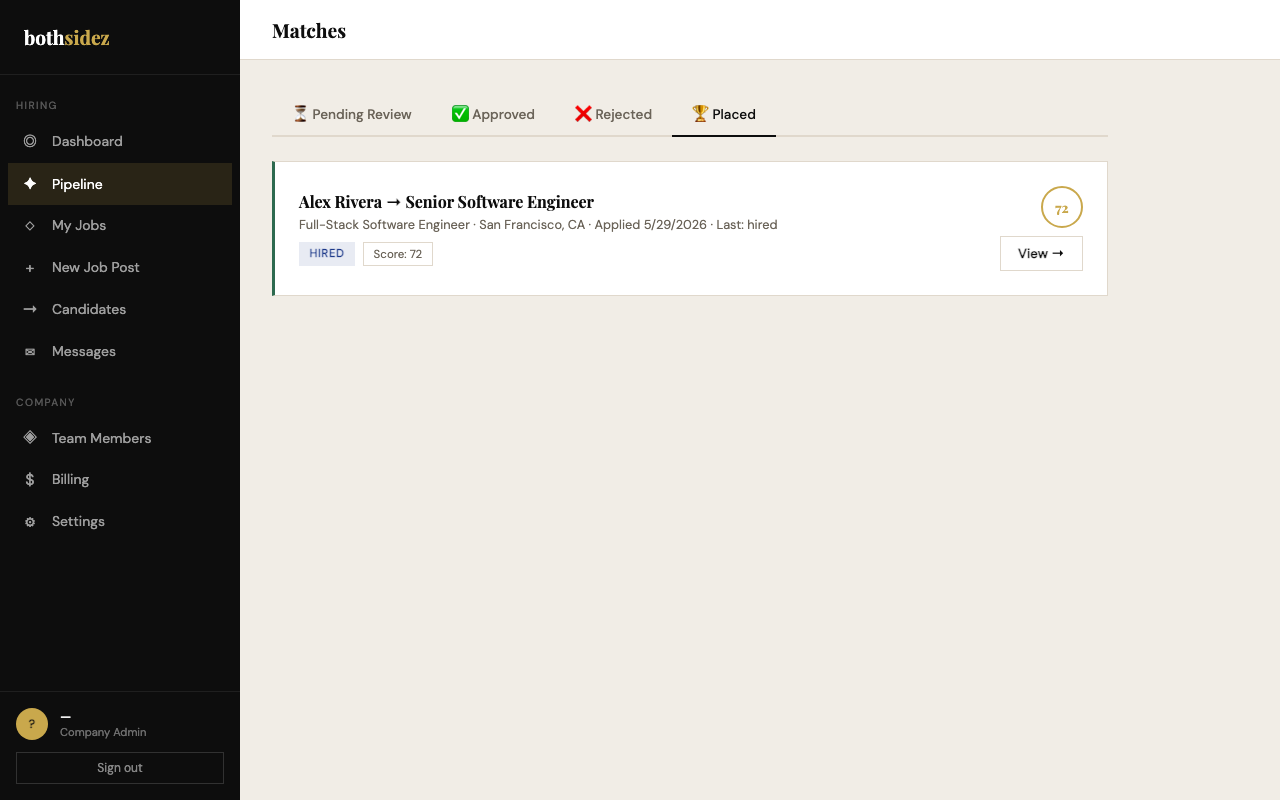
A placement record is created and the bothsidez placement fee is invoiced automatically via Stripe — a percentage of first-year salary for permanent hires, or metered per billable hour for contract placements. Your dashboard updates to reflect the closed position.